


What to do in Search Console
- Open Google Search Console, sign in, and make sure you have the right property selected.
- Google can now scan social profiles and post transcriptions, not just your website, so connect those channels.
- Once a channel is connected, you can start seeing clicks, trending content, and what is showing up in AI search.
- Post consistently and post helpful education, because AI results can include your YouTube, X, Instagram, and TikTok.
Google is looking at more than your website
Google just came out with a very significant update for your business and how you show up not only on Google, but also on ChatGPT and other AI results. Brad Smith, entrepreneur, says the first thing to do is go to Google Search Console, hit start now, and log in with your Google account. Choose the right account in the top right, or click the right property in the top left.
Google Search Console is what tells Google the pages you currently have on your site. In the video he shows a sitemap example where it already knew about 263 pages, so it could start sending traffic and ranking those pages. Up until now, they only scanned your website. Now they're going to scan your social media profiles and take the transcriptions in all of the posts. That's why it's important to get these connected, so it starts ranking you by your social signals.
Connect your social profiles, then keep posting helpful content
You'll see a prompt to add a property and connect a channel. Make sure you're logged in, you have Search Console, and you go connect them. Once a channel is connected, you can go to that property and start seeing the rankings and the information coming in. In the video, after connecting a business account on X, there was already a click, and over time you can see the content that's trending, what people are clicking on, and the information that's starting to show up in AI search results.
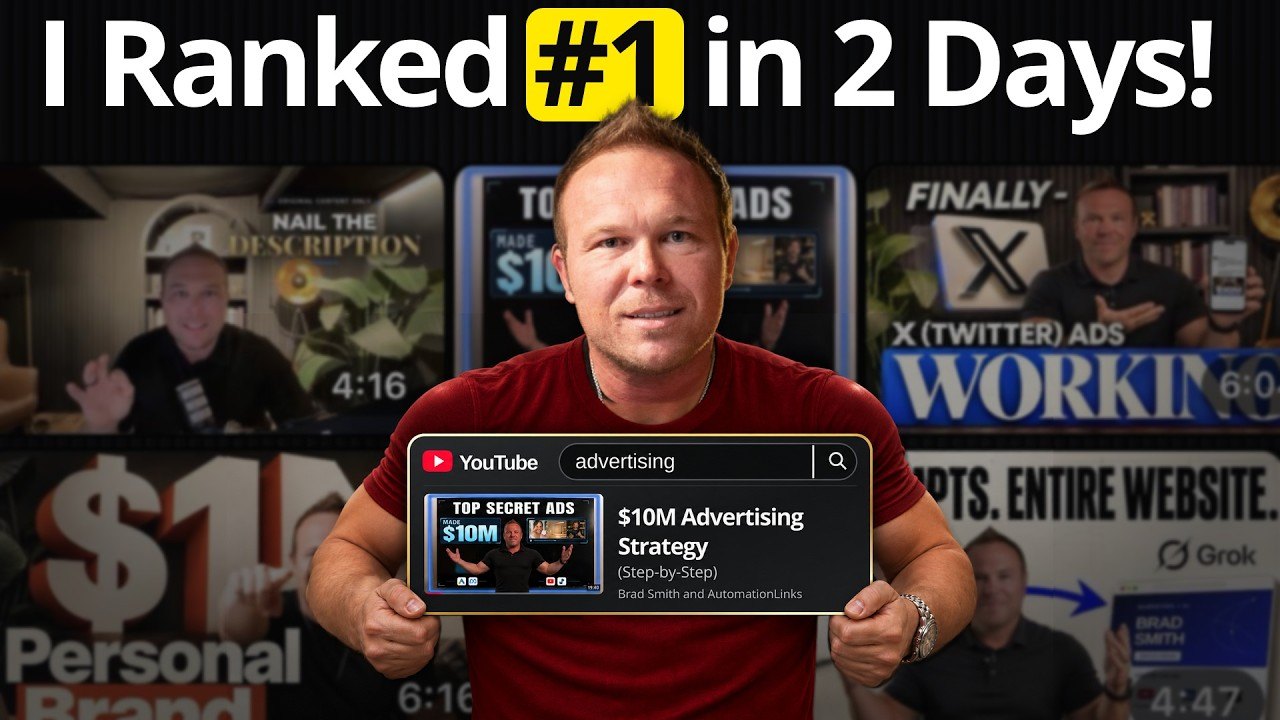
Based on this, AI results can show your YouTube page, your X, your Instagram, and your TikTok. It's more important than ever to post consistently and post helpful education, just like on a YouTube channel, so more people find you in the AI results. Brad had already been talking about why social signals matter for showing up on ChatGPT, Claude, and other AI services, and this update is Google pulling from those same channels, not only your website. To see Search Console used in a real ranking test, read how I ranked a YouTube video in two days.
From AutomationLinks
- How long digital marketing takes: SEO vs. advertising
- How to find what your customers are searching for on ChatGPT, Google, and YouTube
- Google Ads at AutomationLinks
Common questions
What is the Google AI search update Brad is talking about?
Google Search Console can now connect social profiles, not just a website. Google can scan those posts and transcriptions, which helps you show up on Google and in AI results like ChatGPT.
What should you do first in Google Search Console?
Log in, select the right property, then add and connect your social channels so Google can start reading those profiles and you can see clicks and trending content.
Why do social signals matter for AI search?
AI results can pull from your website and from channels like YouTube, X, Instagram, and TikTok. Consistent, helpful posts give those systems more of your teaching to rank and recommend.
Keep reading
More in Personal Brand
Follow Brad
- YouTubeEducational Coaching
- YouTubeBuilding a billion dollar AI brand
- X@bradsmith
- Instagram@bradsmithcoach
- LinkedInBrad Smith
- Emailemail@thebradsmith.com
Get the free weekly tips in AI Accelerator, or start with the free training.