
What to do after you publish
- Optimize the upload with a real bio, chapters, a strong thumbnail, a playlist, and language that matches what people search.
- Turn the transcript into a blog post with the same title, the embedded video, timestamps, and an FAQ, using your own words.
- Request indexing in Google Search Console and Bing Webmaster Tools so the new URL doesn't sit unfound for weeks.
- Tease the video on X and LinkedIn, then use in-feed YouTube ads that show up as a recommended video, not a skippable pre-roll.
Step 1: optimize the video before and as you publish
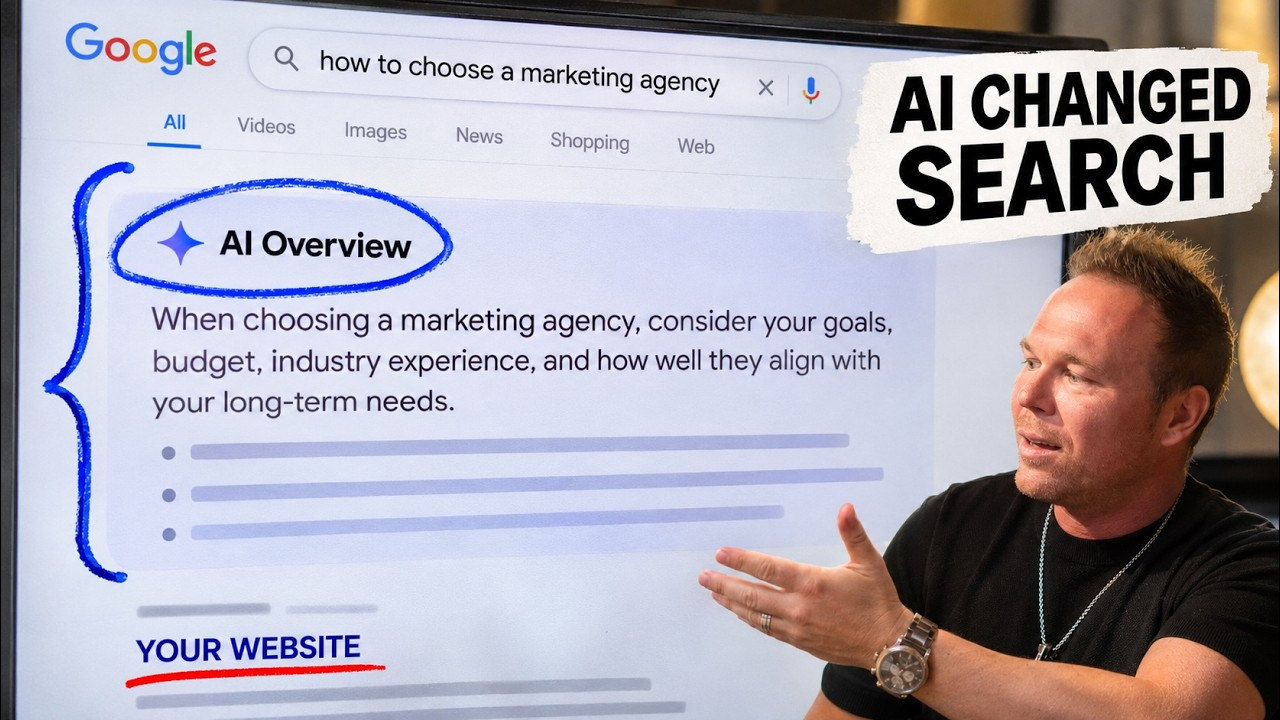
In this video, Brad Smith, entrepreneur, shows four simple ways to grow your YouTube channel and exactly what you should do after you hit publish. Step one is to optimize the video. Make a strong description, and put information about yourself or your company in it, almost like a Wikipedia. AI search results like ChatGPT and Google pull from authority. The more videos you can post your bio in, the more they start remembering your name and your brand name, and recommending those videos.
Dial in your chapters based on the search terms your ideal customers may be looking for, so people can skip ahead and so those timestamps can show up in the right place. Create thumbnails in Canva or ChatGPT, or hire a pro so they really stick out. Always add the video to a playlist, and optimize that playlist for SEO. You can ask ChatGPT to help write a title and description for the playlist so it can get indexed. After somebody watches video one, they should want to watch video two, three, and four.
If you have a business YouTube channel, invite it as a collaborator so you get extra search volume. Tags are less relevant than they used to be, but Brad still adds about 15 tags in search-term format from the transcript. The secret that was helping his videos in Google and ChatGPT results: change the category to education, make it a how-to video, and add the problems you solve, titled like how do I or how should I, so it matches what people search. Add an end screen that asks people to subscribe and watch the next video or playlist. Publish on the same day and time every week, so it feels like a show people can come back to.
Step 2: publish the same video as a blog post
Once it's scheduled, take the transcription, have AI help you shape a blog post, and publish it on your website with the same exact title as the video. Embed the YouTube video on that page so the blog and the video can be indexed together. Use the same words you used in the video, so there's no AI or plagiarism problem and it doesn't sound like generic AI. For a full before and after of these steps, see YouTube SEO: how to rank YouTube videos fast.
Add timestamps so readers can jump through each section, and add an FAQ with at least three, four, even six common questions. That's the page you'll submit in the next step.
Step 3: get it indexed on Google and Bing
When somebody goes to search for you, it can take weeks, if not months, for these platforms to pick up that you made a new video or blog post. That's why you connect Google Search Console and Bing Webmaster Tools, inspect the new URL, and request indexing. Brad also connects properties like YouTube so Google can start picking that up too, and he points back to his earlier video on connecting Search Console, including social profiles.
In Search Console, paste the new blog URL, inspect it, and request indexing if it's not indexed yet. Do the same kind of URL inspection in Bing Webmaster Tools. If you see errors, get those fixed with whoever manages the site, so the page can keep earning search traffic.
Step 4: share it on X and LinkedIn, then run in-feed YouTube ads
Tease the post for the video beforehand. If the video goes out on Wednesday, make a post Wednesday morning that teaches something with images, then when the video launches, add the YouTube link in the first comment as a supporting video. That can bring clicks from X and LinkedIn, which are trusted authorities for SEO.
Last, you can create a YouTube ad that shows up as a recommended video, not as a pre-roll. Brad doesn't like those ads that show up before somebody else's video. He likes in-feed ads that can appear next to or after a video, including after someone watches a competitor or someone else in your space. He walks through a simple setup: a video-views campaign, a small daily budget, YouTube only, and targeting based on keywords, related websites, topics, or even specific channels and videos, like showing up after someone watches a creator your ideal customer already follows. Test one ad at a time. If you don't see good results in the first 7 days, try another video.
I do the same thing with full podcast episodes. See the Relationship Marketing Podcast after 300+ interviews.
From AutomationLinks
- How to set up successful YouTube ad campaigns
- This YouTube marketing strategy turns viewers into customers
- How long digital marketing takes: SEO vs. advertising
Common questions
What should you do after you publish a YouTube video?
Optimize the upload, publish a blog post with the same title and the embedded video, request indexing in Google Search Console and Bing Webmaster Tools, tease it on X and LinkedIn, and consider in-feed YouTube ads that show up as a recommended video.
Why turn a YouTube video into a blog post?
The blog gives Google and Bing an indexable page with the same title, the embedded video, your own words, timestamps, and an FAQ. Brad Smith, entrepreneur, uses that so the video and the article can rank together.
How do you get a new blog post indexed faster?
Don't wait weeks or months for crawlers to find it. Inspect the new URL in Google Search Console and Bing Webmaster Tools and request indexing.
What kind of YouTube ad does Brad recommend here?
In-feed ads that can show up as a recommended video, not skippable pre-roll ads that play before someone else's video. He likes testing one video at a time, often with a small daily budget.
Keep reading
More in YouTube
Follow Brad
- YouTubeEducational Coaching
- YouTubeBuilding a billion dollar AI brand
- X@bradsmith
- Instagram@bradsmithcoach
- LinkedInBrad Smith
- Emailemail@thebradsmith.com
Get the free weekly tips in AI Accelerator, or start with the free training.