
The two videos to make
- Make a welcome video as your channel trailer for people who have not subscribed yet, about 1 to 3 minutes long.
- Make a sales or training video, about 5 to 15 minutes, and set it as the featured video for returning subscribers.
- Use the same profile photo and a clear banner across channels so people recognize you.
- Put the welcome video on your thank-you page. When someone plays it, YouTube can recommend you the next time they open the app.
Two videos can turn a stranger into a customer
This one video I post on YouTube has brought in over a million dollars in new sales for a business. Brad Smith, entrepreneur and owner of AutomationLinks, has spent 11 years helping over 3,000 brands grow with videos, websites, and marketing. He says YouTube is great for turning somebody that's never heard of you into a raving fan so they want to buy because they trust you.
The two videos to make are a welcome video and a follow-up sales video. You don't have to take his word for it. He points to creators like Iman Gadzhi, who uses a welcome video that also serves as free training, almost like a webinar you can watch before you subscribe. After you subscribe, you're targeted with a longer sales letter video, with a clear call to action.
Set up the channel so people recognize you
When you create your YouTube channel, use the same profile image you use on your other social channels so people recognize you and remember you. If I have a different profile picture on every channel, they're going to have no idea who I am. Use a banner that explains what you do and reminds them of the business.
On the home tab, create two layouts. The channel trailer is for people who have not subscribed. That's the welcome video, the first video people should watch before they subscribe. The second is a featured video for returning subscribers, which is the sales or training video. After somebody brand new watches the welcome video and subscribes, you want them to see the training every time they come back to the channel.
What to say in the welcome video
Brad breaks the welcome video into simple steps. Welcome them. Tell them how you can help, who you are, and what you help with. Give them a reason to trust you, like the 11 years, 3,000 brands, and helping people scale from $1 million to $10 million, but don't spend more than 15 to 20 seconds on that. This isn't bragging. Get it out of the way quickly. Then tell them what to do next: subscribe, click a link, watch another video, or leave a comment.
After they comment or subscribe, tell them what happens next, like when you upload, or that they'll get a notification or an email if they join the newsletter. This can be about 1 to 3 minutes long, and it helps build trust. You can film it on your phone, just make it horizontal, or use a professional camera. Brad thinks these are the two most important videos for your channel, so he would even hire a pro to film them.
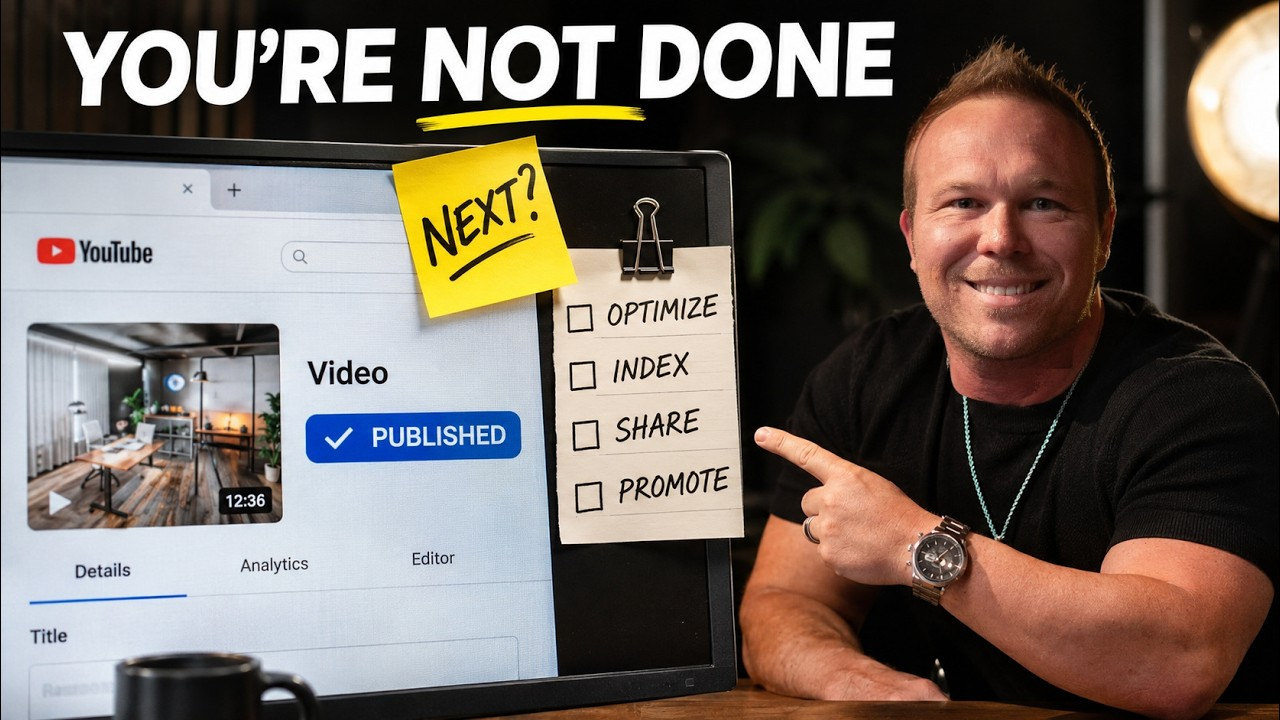
A bonus tip: add the welcome video to your thank-you page after someone fills out a form. Keep it short, and put a timestamp on it so they know it won't take long. A lot of people don't have time to sit and watch a long video until they're ready. When they play that video, it triggers the YouTube algorithm. Next time they come to YouTube on their computer, TV, or phone, your video can show up as a recommended video.
What to say in the sales video
The sales video is where you should put most of your time and effort. Teach something, build the relationship, and make the offer before they get on a call with you. Brad's version in the video was about 9 minutes, not too long and not too short. He was updating it to a longer, webinar-style 15 to 20 minute version. Put the link in the description, and send people back to this video in emails, on the website, and after they subscribe.
Start with their problem and pain points, and speak directly to your ideal customer. Introduce yourself quickly. Teach three to six useful points, and show a real example, a case study, or a review. Answer the biggest objection. For Brad's clients, a common one is, I've tried this before, but it didn't work. Most people just do one thing. They don't do the full marketing system where they keep following up and building relationships. Then explain how you can help, with one call to action, and tell them what happens after they click: a scheduled call, something free, or a doc they can use.
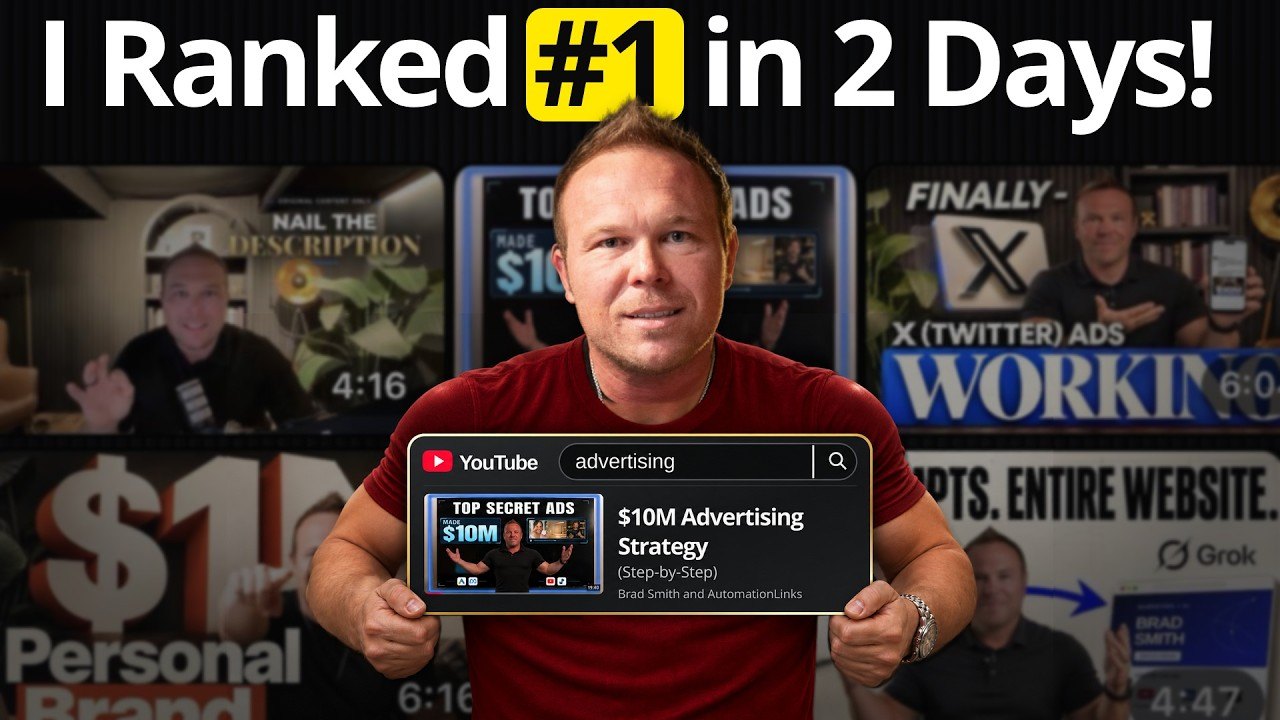
Podcast episodes work the same way on YouTube. Here's what I've learned from 300+ Relationship Marketing Podcast interviews. Once both videos are up, here's how I rank YouTube videos fast with YouTube SEO.
From AutomationLinks
- This YouTube marketing strategy turns viewers into customers
- YouTube ads at AutomationLinks
- Lead follow-up, funnels, and retargeting
Common questions
What two YouTube videos should every business make?
A welcome video, used as the channel trailer for people who have not subscribed yet, and a longer sales or training video for returning subscribers. Brad Smith, entrepreneur, says those are the two most important videos on the channel.
How long should the welcome video and sales video be?
The welcome video can be about 1 to 3 minutes. The sales video can be about 5 to 15 minutes, taught like a webinar or a sales call, with a clear next step in the description.
Why put the welcome video on a thank-you page?
It's a short way to build a relationship after someone fills out a form, and when they play the video it can trigger YouTube to recommend you the next time they open the app.
What should you say in the sales video?
Start with the viewer's pain point, introduce yourself quickly, teach a few useful points with a real example, answer the biggest objection, and give one clear call to action so they know what to do next.
Keep reading
More in YouTube
Follow Brad
- YouTubeEducational Coaching
- YouTubeBuilding a billion dollar AI brand
- X@bradsmith
- Instagram@bradsmithcoach
- LinkedInBrad Smith
- Emailemail@thebradsmith.com
Get the free weekly tips in AI Accelerator, or start with the free training.