
The three campaigns
- X now shows ads to Premium Plus users, so your ads can reach people who can actually afford your service.
- Campaign one is reach: spend the majority of your budget here, turn optimized targeting off, and target keywords in bios and posts, including in the replies.
- Campaign two is website traffic: a smaller budget, aimed at followers, people who saw or engaged with your posts, and anyone who engaged with the reach campaign, so they hit your website pixel.
- Campaign three is a Lead Center lead form, retargeting people from the first two campaigns, with an easy offer in exchange for their name and email.
How to get started with X Ads
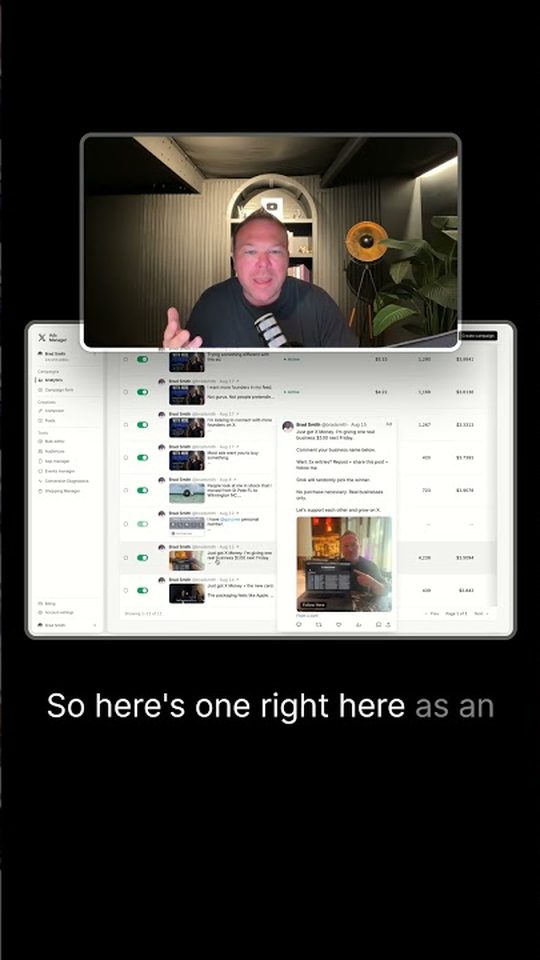
You can start in X Ads Manager in a few minutes. Brad Smith, entrepreneur, has been running X ads for the last two years, and this is the setup he uses before the three campaigns below.
- Go to ads.x.com and sign in with your X account.
- Set up the X pixel in Event Manager and add it to your website, so people who visit can be followed up later.
- Create a campaign and pick your objective. Brad starts with Reach, then adds Website traffic and a Lead Center lead form.
- Turn optimized targeting off, then set location, language, and age, and build a keyword list from bios and posts.
- Make the ad match those keywords, preferably with a video, and keep testing two to five creatives each week.
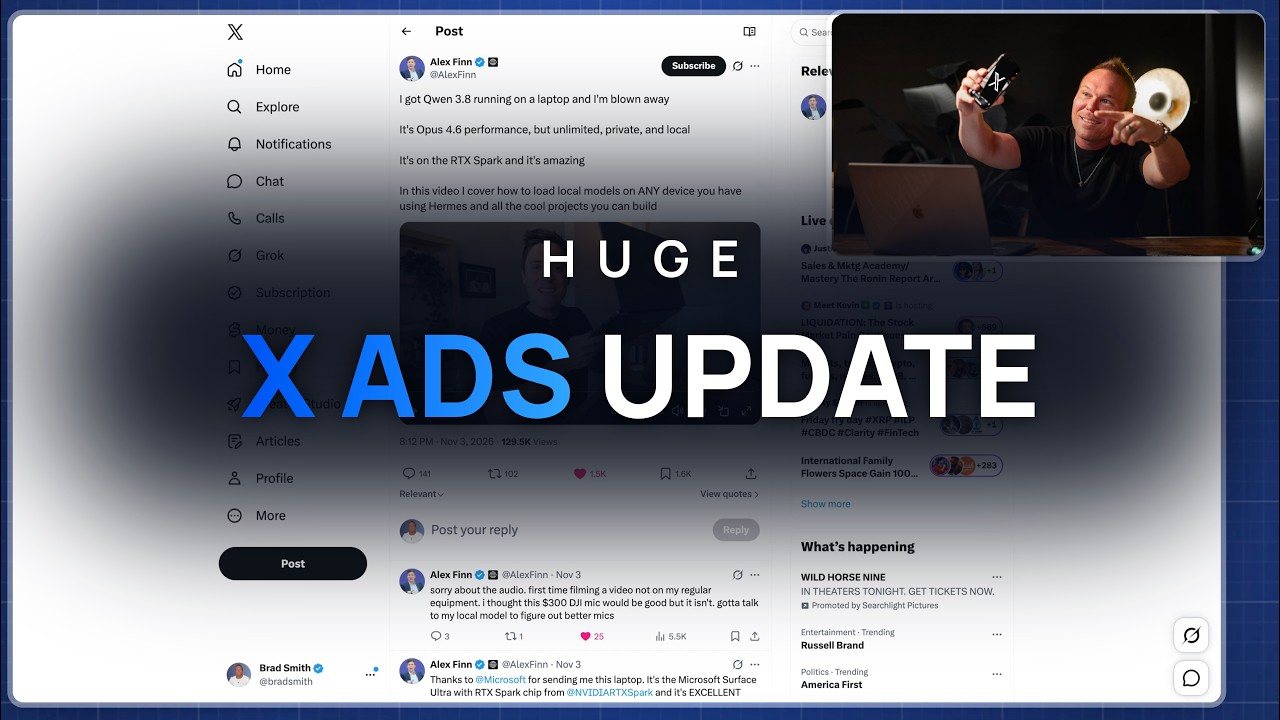
The update: ads now show to Premium Plus users
X ads are finally working. Something just updated with the algorithm, and it has totally changed the game. Brad Smith, entrepreneur, has been running X ads for the last two years and seeing great results. We get some of our best leads for the lowest cost running X ads. For over a decade, he has been helping brands grow online with advertising, and this video breaks down how you can finally run profitable X ads for your brand.
Before, if you were a Premium Plus user, you would not see ads. That was one of the biggest problems with X. It would not show ads to people that paid for Premium Plus. Now there can be an ad in the feed, including a retargeting ad from a site you just shopped. So now it's showing ads to your ideal customers, the people that can actually afford your service, whether you are an e-commerce brand or a B2B brand. If they're paying for X, they can see your ad, and they're more likely to work with you, buy from you, or click on the link.
There is also a new section in X ads called Lead Center, which is the third campaign in this setup. If you have any type of business or brand, comment your business name so Brad can follow you and support you back.
Campaign 1: reach, to find your ideal customers
The first campaign to set up is reach. This is to show the maximum amount of people. This is what's actually going to find your ideal customers and get them into your ecosystem, so you can start running ads two and three to follow up with them. Put the majority of your budget towards this one, because that's what's going to draw in those ideal customers.
Once you click on reach, you set up your campaign, your ad set, and then your ad creatives. Choose your locations, language, and age range. This is your ideal customer profile. Brad also focuses on showing ads in the replies, because that's what's going to be showing to those Premium Plus users. He notes ads just don't work or get clicked on as well from the search results.
Every campaign, when you get to this section, is going to have optimized targeting automatically turned on. Make sure you turn that off, because that's what's going to get you the worst X users. From there, build up the keyword list. Your ad is going to show up below anyone that has any of these keywords in their bio or is posting about them. So if anyone talks about ads on X, the ad can show up directly below it. Now it's completely relevant to what the person is searching for, asking about, or talking about. People post about interests, they ask for advice, they post what's working and what's not. If you're the solution that shows up right below that post, you have the highest chance of getting that ideal person to click and take an action.
You can also set up excluded lists for things like crypto, or anything that just isn't relevant to your brand and your keywords. Keep the extra targeting off, and focus on those keywords, because you know that's your ideal customer.
Then make the ad match those keywords. If you put in the word ads, you need to make sure you're talking about ads in the ad copy and in your video. Brad highly recommends running videos here to get the maximum amount of reach, because if somebody watches that video for 15 or 20 seconds, they're going to be added to your pixel. If somebody watches a video, they like you, they start trusting you, and they're more likely to follow you so you can get them in the next ad. Set up two, three, four, even five of these and keep testing them every single week.
Campaign 2: website traffic, so you can follow up
The second campaign is website traffic. This is going to get people to your website pixel so you can follow up with them. Put a smaller budget towards this, because these are going to be people only coming from your organic posts and from ad number one. You're not going to show this to anyone else. That's why ad number one filters those people through, and you don't have to spend as much here.
You can put the same countries, or even leave it wider, because you're going to want to target anyone on your organic feed as well. Make sure optimized targeting is off. Then use follower lookalikes and put your username in there. Also retarget people who saw or engaged with your posts, your organic posts, and the reach campaign you're already running. Anyone that engages with the first campaign is now going to get retargeted with this ad.
Keep the message relevant, with a link to the site. The goal is to retarget those people and organic users, get them to your site, and if they click, you can start retargeting them on things like Facebook and YouTube as well. This sits next to a full advertising system, where follow-up is what makes people remember you.
Campaign 3: Lead Center, and a form for the follow-up
The third ad is the final follow-up, to really try to get a lead. Click on Lead Center, and you can set up a lead form in your X account, finally, just like Google and Facebook offer. It's straightforward: set the purpose, the name, the information you want to gather, links to your privacy policy, and the final page where you want to send people after they fill that out.
Build this third ad off that lead form, again with a small budget. You can even expand your locations if you want, because it can include people organically as well. Then do the same thing you did for ad two: retarget followers and people who engaged with your posts, but this time choose ads one and two, and follow up with that. Make this one all about the lead form. Make it really easy for them to grab something in exchange for their name and email, and make the image as relevant as possible.
They see the first video, then they see the second image, and then the third is relevant to them as well. Maybe they've seen all three, and they're more likely to click and take the offer. But no one is going to click this offer if they don't like you or trust you yet. That's why the first two campaigns come first.
What to do next
Brad says the final two things are the most important. He's going to share more about how he is having Grok Bot manage these ads: checking them every day, updating them, giving ideas, split testing, and even helping to respond to comments. Stick with that if you want to see how to use Grok Bot to manage your X ads.
On his website he also has a free resource with top performing ads you can copy and paste for your brand. Go to his newsletter, fill out the form, and you get access to the lessons: what ad copy you should use, what ad creative you should use, and where you should put it in each ad, so you can start seeing results from X ads.
If you want the full walkthrough, including pixel setup and the funnel, start with the free X ads course.
This update also builds on the earlier change that lets you show X ads to premium users. And if you have a brand or business, comment the name so he can follow and connect with you.
From AutomationLinks
Common questions
How much do X ads cost?
X ads are priced in an auction, and X says there is no minimum spend, so you set a daily budget you are comfortable with. Brad Smith, entrepreneur, has been running X ads for the last two years and getting some of his best leads for the lowest cost.
How do I log into X Ads Manager?
Go to ads.x.com and sign in with your X account. That is X Ads Manager, where you create campaigns, set up the pixel, and use Lead Center for lead forms.
What targeting does X offer?
You can target by location, language, and age, and build around keywords that appear in bios and posts, including in the replies. Brad also uses follower lookalikes, retargets people who saw or engaged with his posts, and turns optimized targeting off so the ads stay focused.
Do X ads work for small businesses?
Yes. Brad has been running X ads for two years and getting some of his best leads for the lowest cost, including for e-commerce and B2B brands. A recent update means ads can show to Premium Plus users, so you can reach people who can actually afford your service.
Are X ads working now?
Brad Smith, entrepreneur, says yes. A recent update means ads can show to Premium Plus users, which was one of the biggest problems before. He has been running X ads for two years and getting some of his best leads for the lowest cost.
What three X ad campaigns should you run?
Reach, to find your ideal customers and show to the maximum number of people. Website traffic, to get those people and your organic audience to your site and your pixel. And a Lead Center lead form, as the final follow-up, so they can raise their hand in exchange for their name and email.
Why turn optimized targeting off?
On every campaign, optimized targeting is automatically turned on. Brad says to turn it off, because that's what's going to get you the worst X users. Build around keywords in bios and posts instead, and use exclusion lists for anything that isn't relevant.
Should the reach ads be videos?
Yes. If somebody watches the video for 15 or 20 seconds, they're added to your pixel. They also start to like you and trust you, and they're more likely to follow you so you can reach them with the next ads. Keep testing two to five creatives every week.
What is Lead Center?
Lead Center is a new section in X ads where you can set up a lead form in your X account, similar to what Google and Facebook offer. Use it on the third campaign, after people have already seen you on reach and website traffic ads.
Keep reading

More in X
Follow Brad
- YouTubeEducational Coaching
- YouTubeBuilding a billion dollar AI brand
- X@bradsmith
- Instagram@bradsmithcoach
- LinkedInBrad Smith
- Emailemail@thebradsmith.com
Get the free weekly tips in AI Accelerator, or start with the free training.